
Blog
IQOS ILUMA Battery Care: Charging, Storage, and Maintenance Tips


IQOS ILUMA Battery Care: Charging, Storage, and Maintenance Tips
IQOS ILUMA devices use rechargeable lithium-ion batteries, so proper battery care is key to understanding how they work. Charging habits, storage conditions, and everyday handling can all affect battery performance over time.
For users in Dubai and other parts of the UAE, temperature is another factor worth considering. Devices left in hot vehicles or exposed to direct sunlight may have issues because lithium-ion batteries are sensitive to excessive heat.
Whether you use an IQOS ILUMA, ILUMA PRIME, ILUMA ONE, or a newer ILUMA i model, it is important to follow the instructions for your particular device. Although the models share the same general heating platform, their battery arrangements and charging specifications can differ.
This guide covers key battery care considerations, from charging precautions to storage conditions and signs of a technical issue.
Understanding the IQOS ILUMA Battery System
IQOS ILUMA devices use rechargeable lithium-ion batteries. Depending on the model, the battery arrangement may be different.
The standard IQOS ILUMA and ILUMA PRIME have two main components:
- Pocket Charger: Holds and recharges the separate Holder.
- Holder: Contains its own rechargeable battery and operates independently during a session.
The IQOS ILUMA ONE uses an integrated design. It combines the Holder and charging components into one compact device.
Newer ILUMA i models also have different configurations. For example, the ILUMA i and ILUMA i PRIME use a separate Holder and Pocket Charger, while the ILUMA i ONE has an all-in-one design.
These differences matter because charging times, battery indicators, and available features vary by model.
Best Practices for Charging an IQOS ILUMA
Charging correctly is a basic step in caring for a rechargeable electronic device. Poor connections, unsuitable accessories, or damaged cables can interfere with normal charging.
Here are some important precautions.
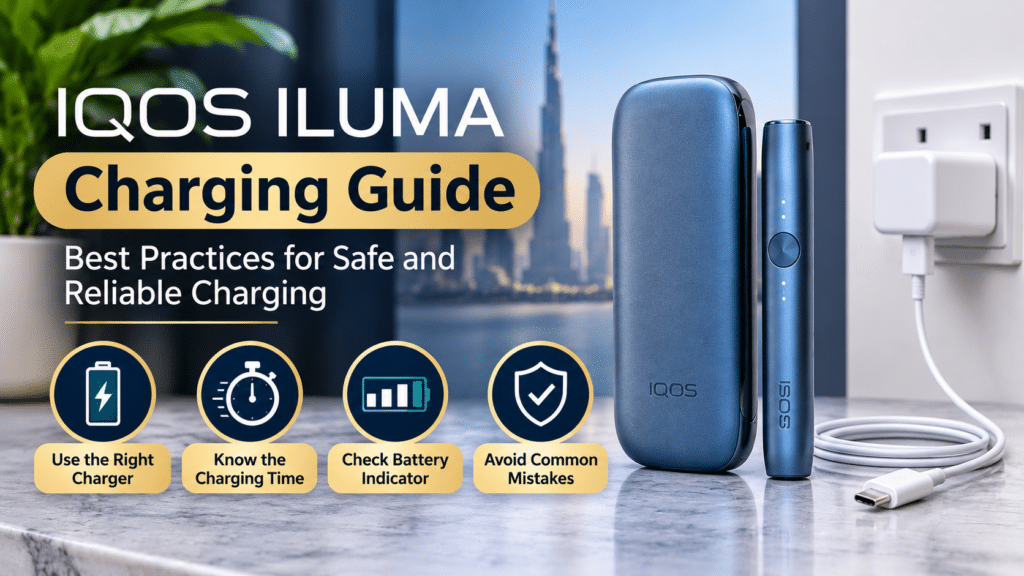
Use a Suitable Charging Adapter and Cable
Use the original charging cable and compatible power adapter supplied with your device whenever possible. IQOS recommends using the charging accessories designed for the relevant ILUMA model.
Before connecting the device, check that:
- The cable is not damaged or frayed.
- The charging adapter has no visible damage.
- The USB port is dry and free from visible debris.
- The connector fits properly without being forced.
Avoid using damaged cables or adapters. If the charging connection feels loose or unstable, do not attempt to repair the port yourself.
Understand the Charging Time
Charging duration depends on the exact IQOS model and its battery condition.
For the original IQOS ILUMA, official product guidance indicates that a full Pocket Charger recharge takes approximately 135 minutes under specified conditions. The Holder charges much faster, although its initial charge may take longer.
Other models, including ILUMA ONE and the ILUMA i series, can have different charging requirements.
Therefore, do not assume that the charging time of one ILUMA model applies to another. Always check the user guide supplied with your device.
Check the Battery Indicator Before Charging
Battery indicators provide useful information about the remaining charge.
On the original IQOS ILUMA Pocket Charger, a short press of the side button displays the remaining battery level through four white lights.
The general indicator guide is:
| Indicator Lights | Approximate Battery Level |
| 4 white lights | Up to 100% |
| 3 white lights | Up to 75% |
| 2 white lights | Up to 50% |
| 1 white light | Up to 25% |
These indicators relate to the original ILUMA Pocket Charger. Other models may display battery information differently.
If you want to understand the meaning of different device signals, read our guide to IQOS ILUMA indicator lights.
Why Temperature Matters for IQOS ILUMA Battery Care
Temperature matters, especially for electronic devices used in the UAE.
Dubai can experience extremely hot outdoor conditions, and a parked vehicle can become much hotter than the surrounding air. Therefore, leaving an electronic device in a car during the summer is not good storage practice.
According to official IQOS guidance, ILUMA devices are designed to operate within approximately 0°C to 40°C.
Avoid Leaving the Device Inside a Hot Car
A vehicle exposed to direct sunlight can become very hot, even when the outside temperature does not appear extreme.
Excessive heat may affect the lithium-ion battery and internal electronic components.
For better protection:
- Avoid leaving the device on a car dashboard.
- Do not store it inside a vehicle exposed to direct sunlight.
- Keep it away from heaters and other heat sources.
- Allow the device to return to a suitable temperature before attempting to use or charge it.
Protect the Device From Direct Sunlight
Leaving an IQOS ILUMA near a sunny window or outdoors for extended periods can expose it to unnecessary heat.
A shaded indoor location is generally a more appropriate place to keep the device.
Be Careful During Cold Conditions
Although extreme cold is less common in Dubai, devices may still be exposed to cold environments during travel or air-conditioned storage.
Avoid prolonged exposure to temperatures outside the manufacturer’s recommended range. If the device displays a temperature warning, allow it to return naturally to an appropriate room temperature.
Do not attempt to heat it using a hair dryer, heater, or other external heat source.
How to Store IQOS ILUMA Properly in the UAE

Good storage habits can help protect the device from environmental damage.
Keep the device in a clean, dry, cool place.
Consider these practical points:
- Choose a dry storage location
Keep the device away from water, wet surfaces, and high-humidity areas. Moisture can affect electronic connections and internal components.
- Avoid direct sunlight
Do not leave the Holder or Pocket Charger exposed to strong sunlight for extended periods.
- Keep it away from loose metal objects.
Store the device separately from keys, coins, and other objects that could scratch or physically damage its exterior.
- Protect the charging port.
When the device is not connected to a charger, keep the USB port protected from dust and moisture.
- Store it away from children.n
IQOS devices and compatible tobacco products should always be kept out of the reach of children and pets.
For additional information on device handling, see our article on Cleaning and Maintaining Your IQOS ILUMA Device.
Everyday Habits That Can Help Protect Battery Performance
Battery performance changes naturally over time. Lithium-ion batteries are consumable components, and their capacity may gradually decline with repeated charging cycles and normal aging.
Although no routine can prevent this completely, sensible handling can help avoid unnecessary stress.
Avoid Unnecessary Exposure to Heat
Prioritize temperature management, especially in the UAE.
Do not leave the device in direct sunlight or near heat-producing equipment.
Keep Charging Connections in Good Condition
Check the cable and charging port periodically. Dust, physical damage, or a poor connection may interrupt charging.
Never insert sharp or metallic objects into the USB port.
Do Not Open the Device to Access the Battery
The battery inside an IQOS ILUMA is sealed. It is not designed for user replacement or internal repair.
Opening the device can damage its components and may create additional safety risks.
If you suspect a battery fault, contact the appropriate customer support service.
Follow Model-Specific Instructions
Charging instructions for IQOS ILUMA ONE should not automatically be applied to the original IQOS ILUMA or ILUMA i PRIME.
If you are comparing different models, our IQOS ILUMA device collection provides a starting point for reviewing the available product range.
Common Battery Care Mistakes to Avoid
Some everyday habits can create unnecessary problems for rechargeable devices.
| Common Mistake | Why It Should Be Avoided |
| Leaving the device in a hot car | Excessive heat can damage battery components |
| Using a damaged charging cable | May cause an unreliable charging connection |
| Exposing the device to moisture | Can affect internal electronics |
| Forcing a connector into the port | May physically damage the charging connection |
| Opening the sealed battery compartment | Can create safety and device damage risks |
| Ignoring unusual overheating | May indicate a technical or battery fault |
If the device becomes unusually hot, produces smoke, sparks, or shows signs of battery leakage, stop handling and using it. Disconnect the power supply only if it is safe to do so, and follow the manufacturer’s safety instructions. Do not attempt to dismantle or repair it.
What to Do When IQOS ILUMA Does Not Charge Properly
Charging problems can have several possible causes. A damaged cable, unsuitable adapter, dirty connection, or temperature warning may affect charging.
Before assuming that the battery has failed, consider the following checks:
Check the power source: Confirm the wall outlet and compatible adapter work correctly.
Inspect the cable: Look for visible damage, loose connectors, or signs of wear.
Check the charging port: Look for visible dust or debris. Follow the manufacturer’s cleaning guidance rather than inserting tools into the port.
Consider the temperature: If the device is too hot or cold, allow it to return naturally to its recommended operating range.
Review the indicator lights: Check the user guide for your exact model to understand the warning signal.
If these basic checks do not resolve the issue, contact official IQOS support. Avoid repeatedly reconnecting damaged accessories or attempting internal repairs.
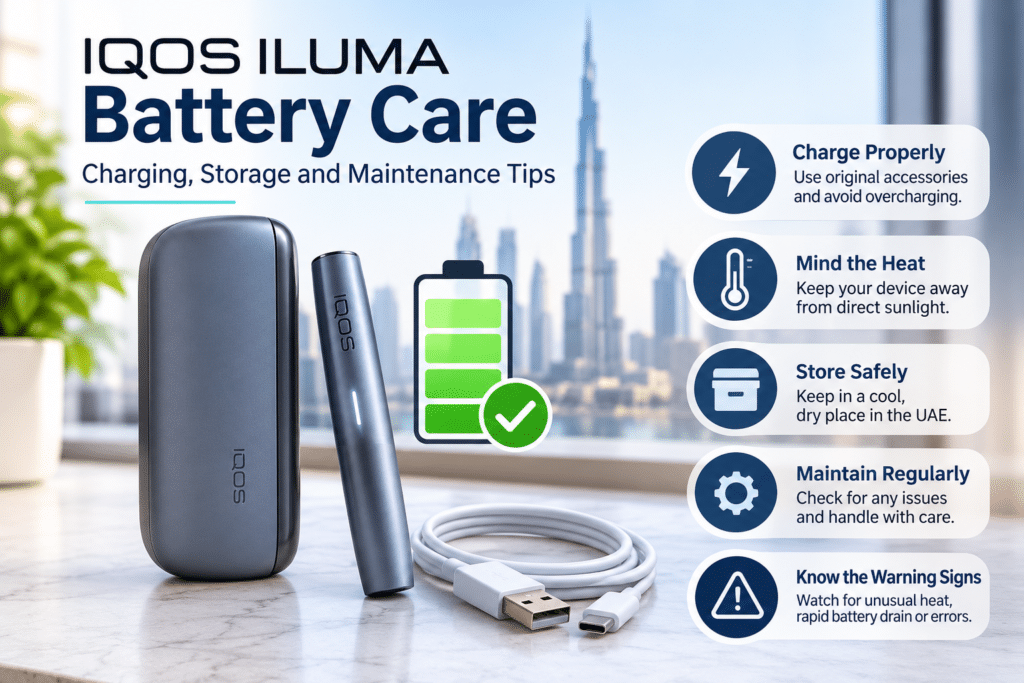
Does IQOS ILUMA Battery Performance Decline Over Time?
Yes. Like other rechargeable lithium-ion batteries, the battery inside an IQOS ILUMA can gradually lose some of its original capacity.
This is normal for rechargeable battery technology.
You may notice changes such as:
- Less operating time between charges.
- More frequent charging requirements.
- A noticeable reduction in battery capacity.
- Unexpected charging interruptions.
However, these signs do not always mean that the battery itself is defective. Charging accessories, temperature conditions, and other device faults can also affect performance.
If the battery performance changes significantly, seek advice from the manufacturer or an authorized service provider.
Frequently Asked Questions
How long does IQOS ILUMA take to charge?
Charging time depends on the model. The original IQOS ILUMA Pocket Charger takes about 135 minutes to recharge under specified conditions fullyons. Other ILUMA models may have different charging times, so check the relevant user guide.
What is the recommended temperature for IQOS ILUMA?
Official IQOS guidance specifies an operating temperature range of approximately 0°C to 40°C for IQOS ILUMA. Avoid exposing the device to excessive heat, direct sunlight, or prolonged cold conditions.
Can I leave my IQOS ILUMA inside my car in Dubai?
It is not recommended. Temperatures inside a parked vehicle can get very high, especially in summer. Excessive heat may damage the lithium-ion battery and internal electronic components.
Does the IQOS ILUMA battery lose capacity over time?
Yes. Rechargeable lithium-ion batteries naturally degrade over time and with repeated charging cycles. Battery capacity and operating time may gradually decrease.
Can I replace the IQOS ILUMA battery myself?
No. The battery is sealed inside the device and is not intended for user replacement. Do not open the device or attempt an internal battery repair. Contact the appropriate support service if you suspect a battery problem.
Final Thoughts
Looking after an IQOS ILUMA battery involves more than simply connecting the charging cable. Temperature, storage conditions, charging accessories, and everyday handling all matter.
For users in Dubai and across the UAE, avoid excessive heat and direct sunlight. Keep the charging port dry, use suitable accessories, and follow model-specific instructions.
Remember that rechargeable batteries naturally lose capacity over time. Proper handling cannot stop normal battery aging, but it can help prevent avoidable damage and support safer device care.